

[ 03 / Service ]
Business Email & Domain
A business domain and Google Workspace set up correctly, secured, documented, and handed to you.
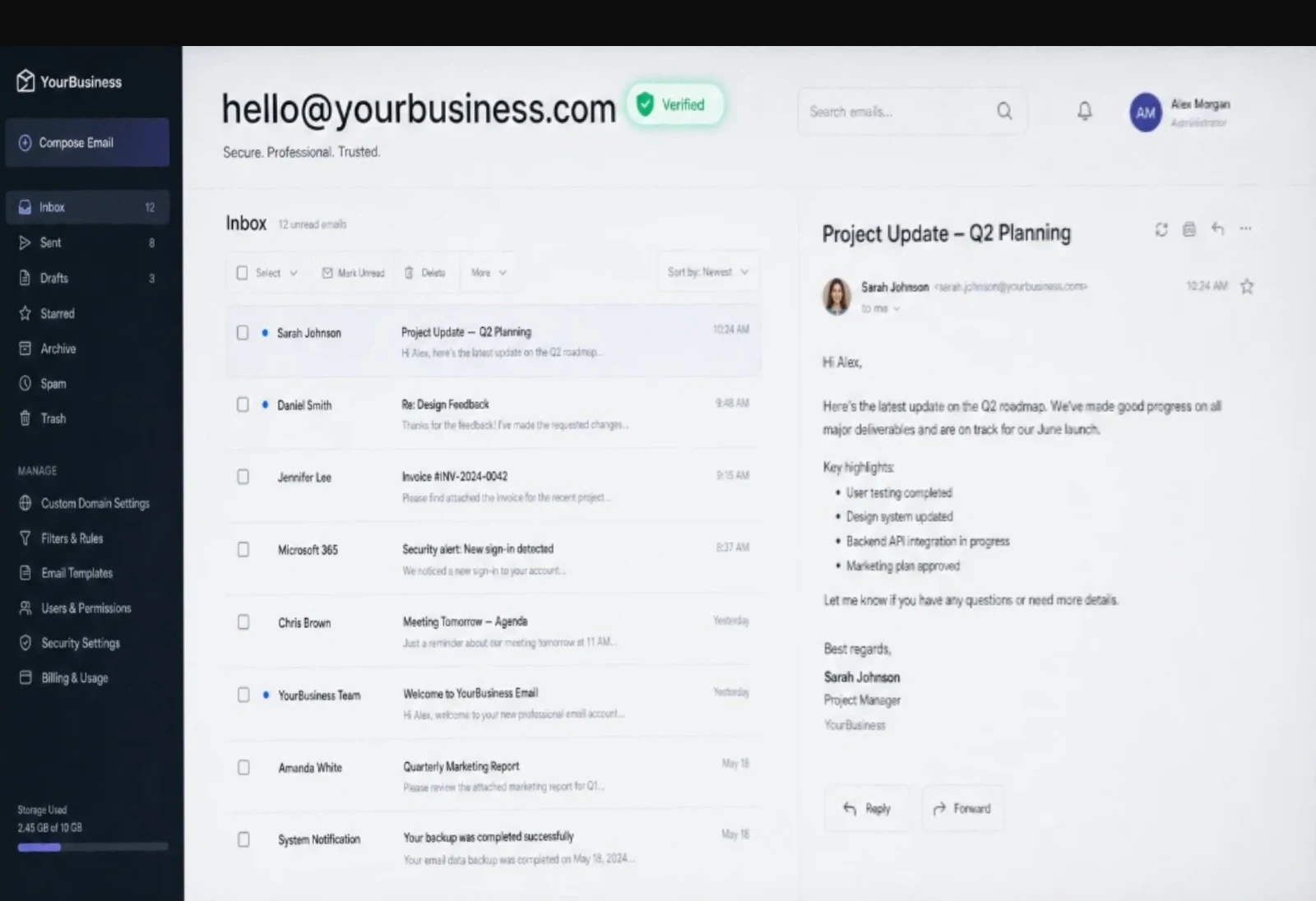

[ Step by step ]
From no domain to email you own.
This is the real path, on the real screens. You buy the domain and Google Workspace with your own payment method, so both are yours from the first minute. ASEC does the configuration and tests it from the outside.
Step 01Together
Find your domain
We search GoDaddy together for a name that matches your business and is easy to say out loud.
Example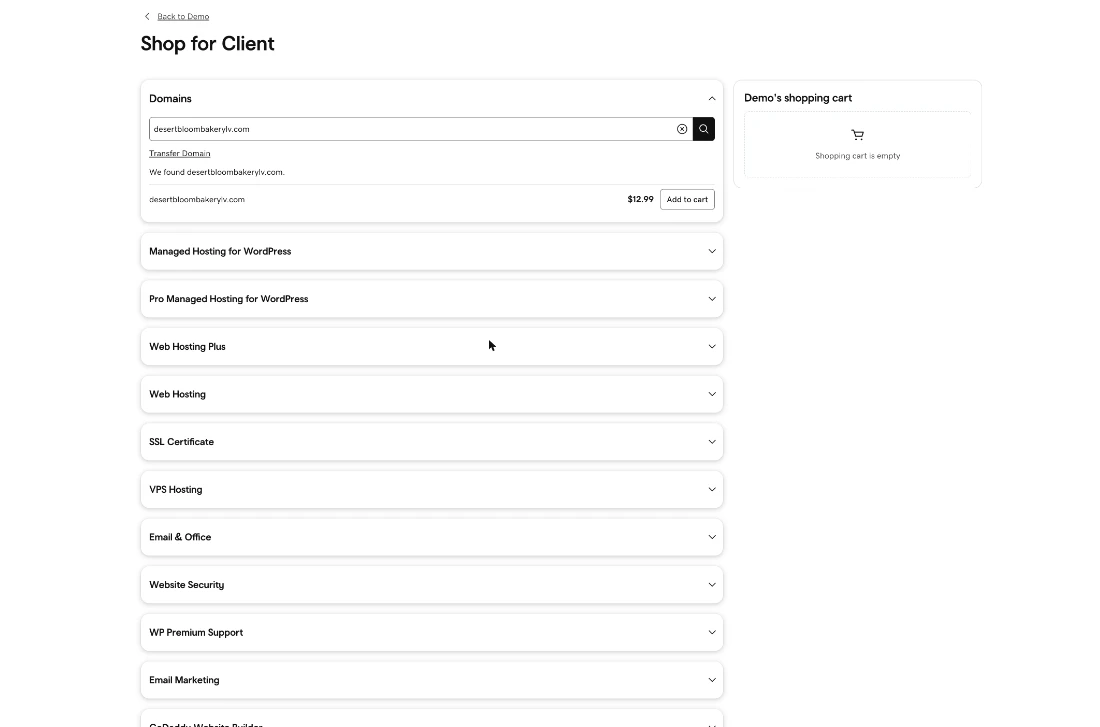
Step 02You
You buy it, in your name
Through GoDaddy Pro, ASEC loads a cart with your domain and emails it to you. You check out with your own account and payment method, so the domain is registered to you, never to ASEC.
Example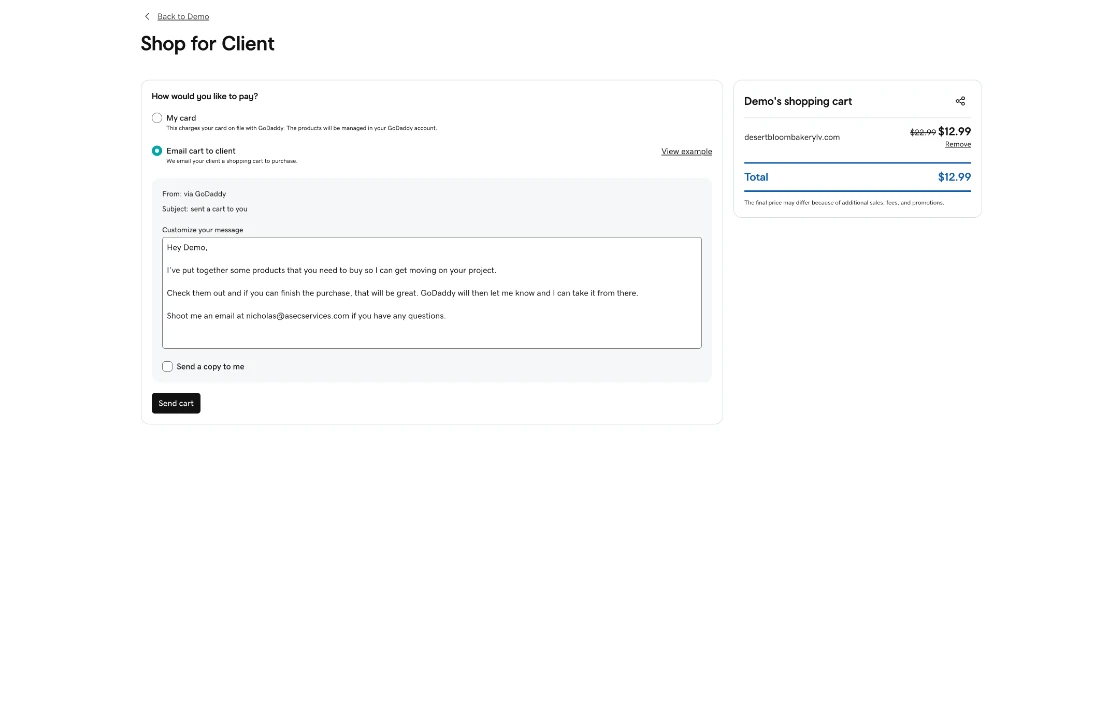
Step 03You
Start Google Workspace
You sign your business up for Google Workspace, the service that runs Gmail on your own domain.
Example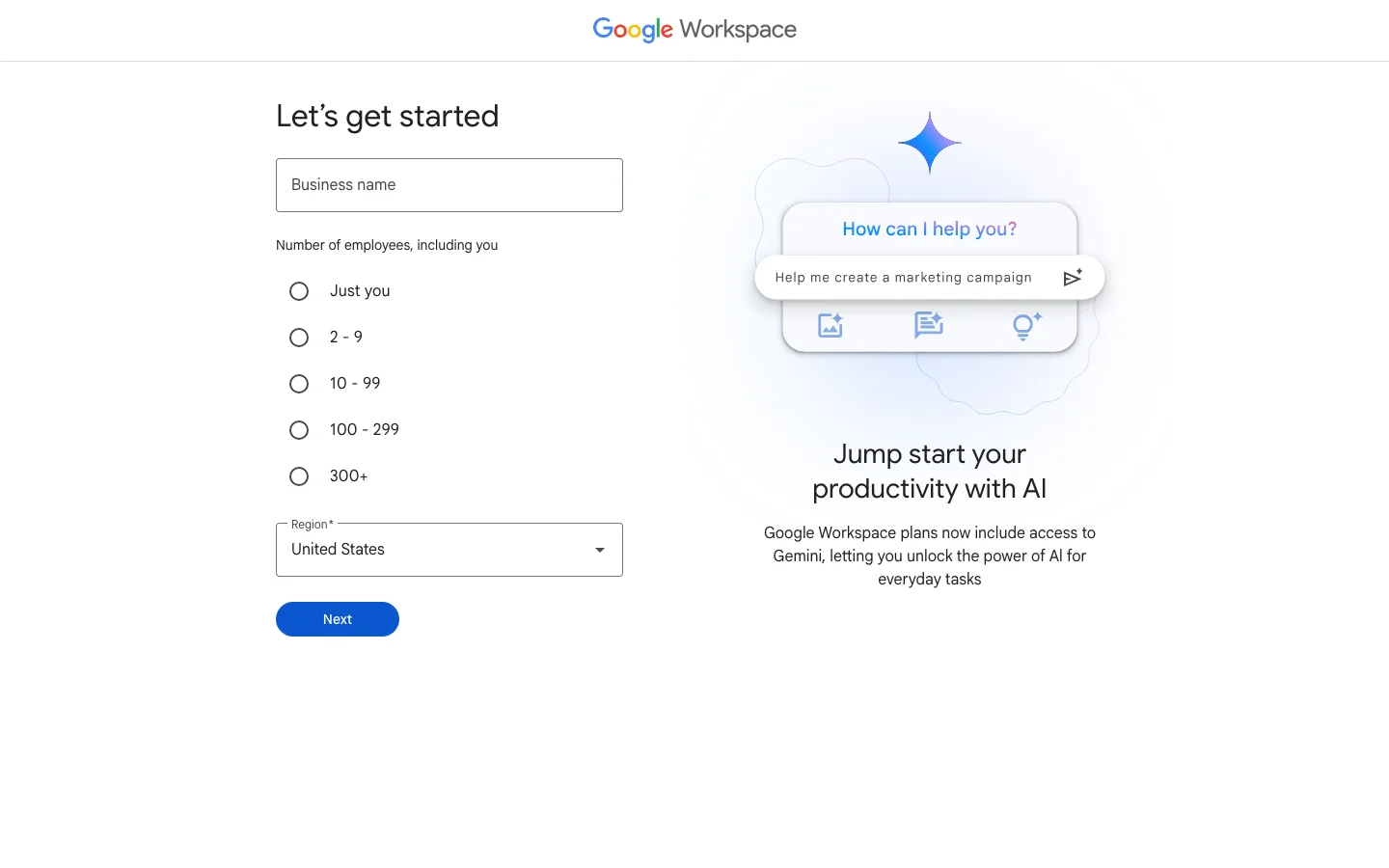
Step 04ASEC
Connect the domain to Google
ASEC adds the records in GoDaddy that send your mail to Google and prove it is really you sending it, then tests from outside.
Example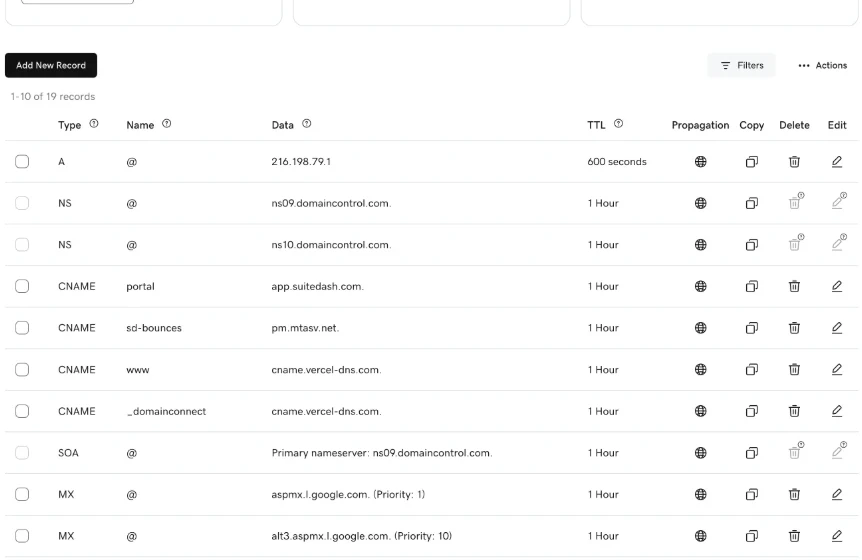
Step 05Done
Your inbox, on every device
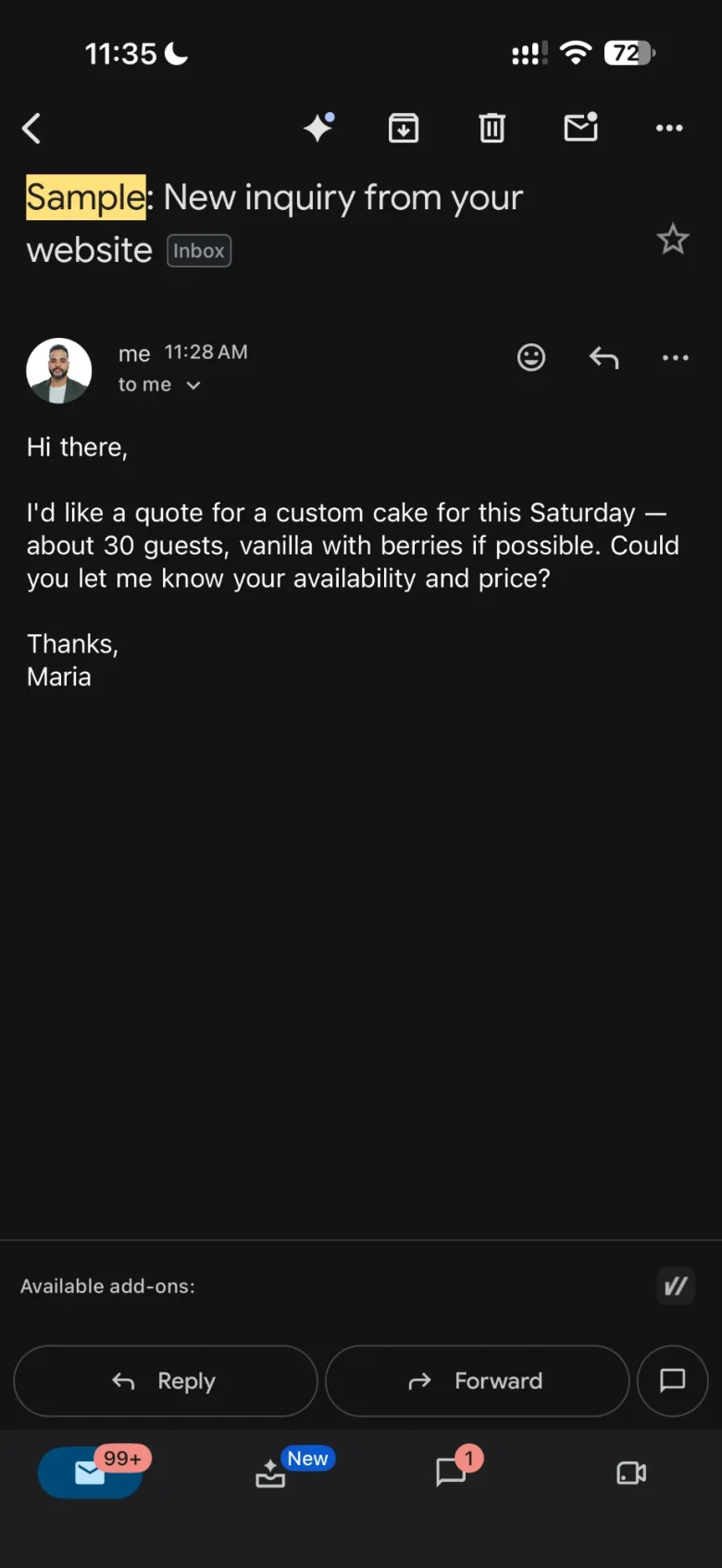
Gmail on your own address, on your laptop and your phone. Aliases like info@ and forms on your site route to the right person.
Example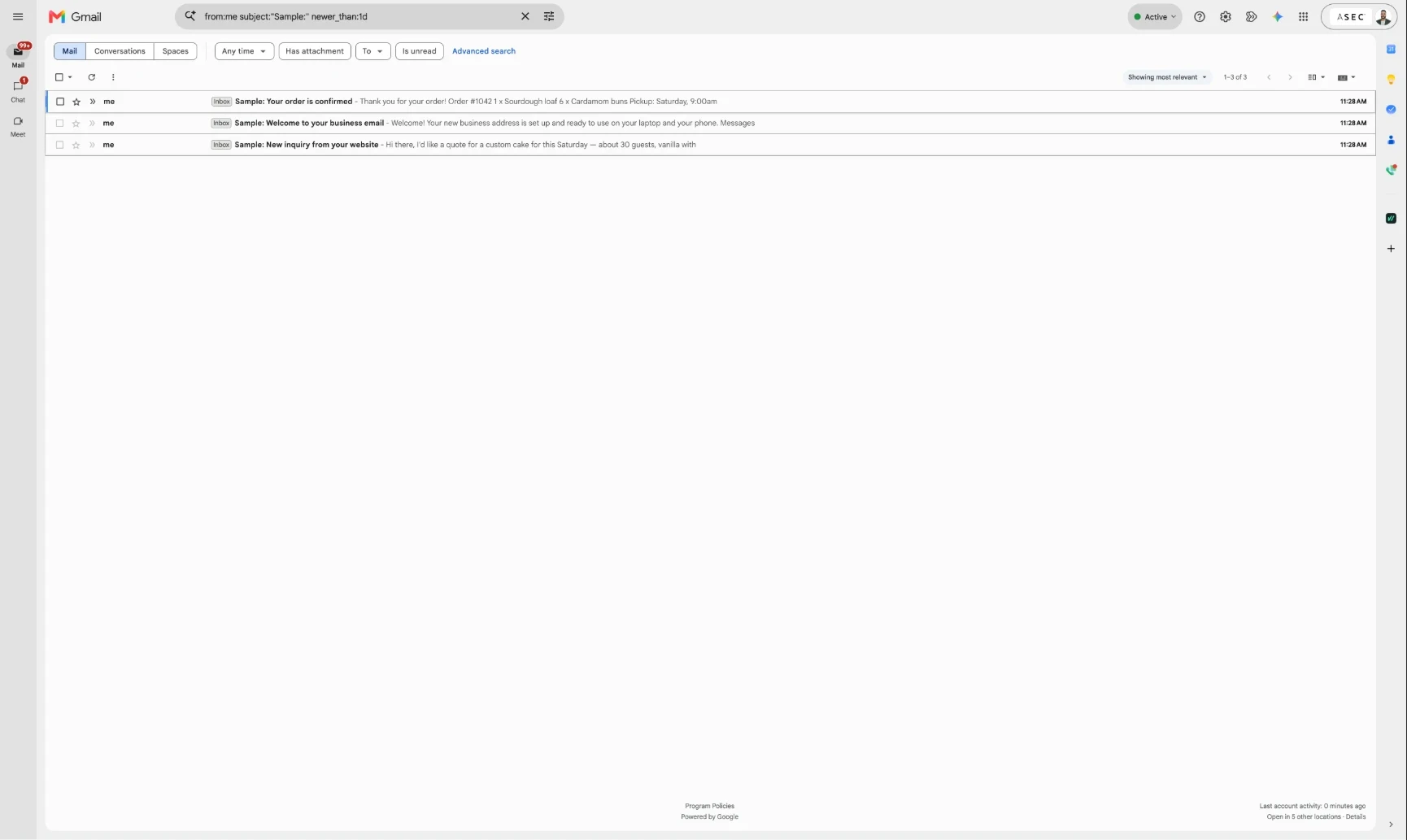
Step 06Handoff
You hold the keys
You keep the admin account and recovery details, and get a written access guide that shows who can change what.
Example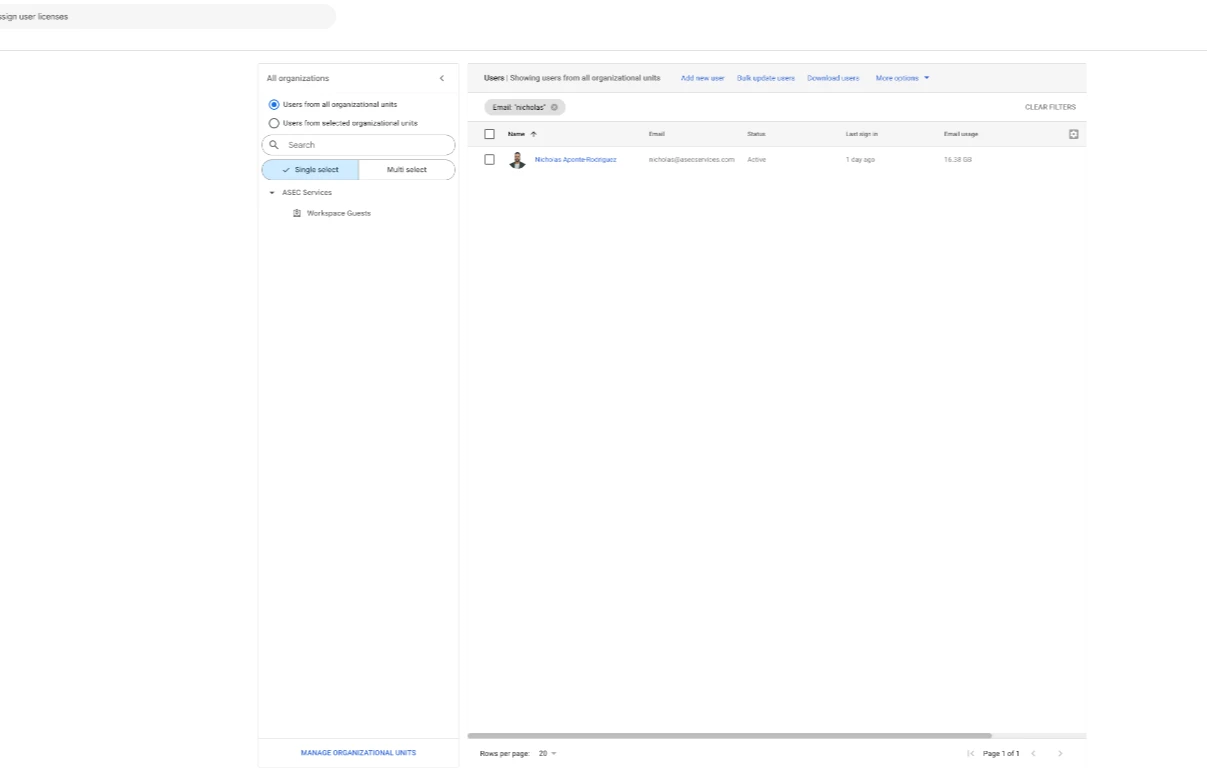

Google, Gmail and Google Workspace are trademarks of Google LLC. GoDaddy is a trademark of GoDaddy Operating Company, LLC. Screens are shown as examples; ASEC is not affiliated with or endorsed by either company.
[ Overview ]
Overview
Business Email & Domain starts at $547.
Email on your own domain is the cheapest credibility a business can buy, and it is routinely set up badly: shared logins, no authentication, and a web shop holding the domain. ASEC does it the other way around. You buy and own the domain and the Workspace subscription. ASEC configures the mailboxes and the email-security records, tests it end to end, and hands you a written ownership and access guide. ASEC's access is a named account with a documented removal date.
Every project is scoped in writing before any work begins. If a smaller solution or another specialist is the better answer, ASEC will say so.
[ What you get ]
What you get
- Domain guidance, with you as the registrant and account holder
- Google Workspace setup: up to 3 named users and 5 aliases or groups
- Your mail and security records set up so your email arrives and is trusted, tested from outside your network
- Website contact-form routing configured and tested
- A written ownership and access guide, and a 60-minute owner handoff
- Recovery-capable admin accounts that stay with you
What you’ll be holding
- The domain, registered to you
- The Google Workspace organization and its billing, in your name
- The admin accounts, with recovery in your hands
- A written ownership and access guide
[ How it works ]
How it works
- 01
Confirm
We agree the domain, the mailboxes, and who is authorized to approve changes.
- 02
You buy
You purchase the domain and Workspace with your own payment method and recovery details.
- 03
ASEC configures
Users, aliases, email security, and form routing, then tested from outside.
- 04
Handoff
You get the written access guide and keep the recovery-capable admin accounts.
[ Questions ]
Questions
What does it cost?
The setup is $547. Google's subscription and the domain registration are paid by you, directly, and stay in your name.
Who owns the domain?
You do, as registrant, account holder, and renewal payer. ASEC never holds a client's domain in an ASEC account, and never keeps your only admin login.
Can you move our existing email over?
Moving existing email over is quoted separately, because the effort depends entirely on what you are moving from.
What happens if I stop working with you?
Nothing breaks. The domain and the Workspace subscription are already in your name on your payment method, so there is nothing to transfer back. ASEC removes its named technician account, sends you the current configuration summary, and you carry on: with ASEC, with someone else, or on your own.
[ Other services ]
Other services
[ Start here ]
Let’s talk about your next move.
Prefer to write? info@asecservices.com · or call or text (702) 350-1581